
Displaying
Tabstop
When displaying a tab character, vim doesn't always show the same number of spaces. For starters, it will never exceed the number of spaces as determined by the value of the 'tabstop' option, which defaults to 8. Let's call this N. For example:
echo '\tABC' > foo.txt
vim foo.txt
# (vim)
# ........ABC
# "foo.txt"
If list option is turned on, vim shows tab chars as '^I' (and newline chars as '$'). For example
echo '\tABC' > foo.txt
vim -c 'set list' foo.txt
# (vim)
# ^IABC
# "foo.txt"
Here is an example where a tab char is substituted with less than N columns:
echo 'DEF\tHIJ' > foo.txt
vim foo.txt
# (vim)
# DEF.....HIJ
# "foo.txt"
What is happening here? Because the line starts with three characters, DEF, it only needs to fill up five more spaces to reach the tabstop number, N=8. As in, the tab char fills up the columns remaining in its tab space with empty spaces. If the tab char is the first char in the tab space, it takes up all N columns. If it's the last char, then it will display one space.
In this way, it is more nuanced than its definition that can be found in the help docs. It is more than a tab char's number of replacement spaces. I see it as defining the number of columns each line is grouped into. A tabstop of 8 means that there is an imaginary border at every 8 columns, in which up to 7 characters can be added without affecting the display of the rest of the text. Exhibit A:
So tabstop is a feature purely for displaying. It is no wonder it was a feature heavily relied upon by printers.
Writing
<Tab> key
In vim's insert mode, pressing <Tab> inserts the tab char.
Ctrl-t and Ctrl-d
In insert mode, Ctrl-t adds one level of indentation to the start of the current line and Ctrl-d removes.
shiftwidth option
This vim option defines the number of spaces a single indentation uses. This is distinct from tabstop. Ctrl-t and Ctrl-d uses shiftwidth when adding and removing indentation. However, if shiftwidth is same as tabstop, say, 8, then adding an indentation will add 8 spaces, which vim will silently pack into one tab char. This is explained in neovim's user manual section 30.5:
To optimize space, vi would also silently remove packs of spaces and replace them with tab characters.
This also occurs when shiftwidth is smaller than tabstop. For example, when shiftwidth is set to 4 and tabstop is set to 8 and two indentations are added by pressing Ctrl-t twice, 8 total spaces will be added which is then converted into a tab char. Exhibit A:
Upon opening vim, I'm entering insert mode then adding indentations using Ctrl-tNote: in neovim, <Tab> doesn't always insert a tab character, \t. To deterministically insert a tab char, use Ctrl-v<Tab>, in insert mode. When <Tab> is pressed, neovim will input one level of indentation, which can be converted into a tab char but not always. When there are non-whitespace chars on the current line in front of the cursor, <Tab> inserts the tab character.
expandtab
Setting this vim option will convert any tabs being inserted into the actual spaces it would be taking up. It does not convert existing tabs in the buffer (see :retab for this). Here are two examples where expandtab is not set, and expandtab is set, and the inputs are <Space><Space><Tab>. Without expandtab:
Whereas, expandtab will convert the tab into 6 spaces:
indentexpr
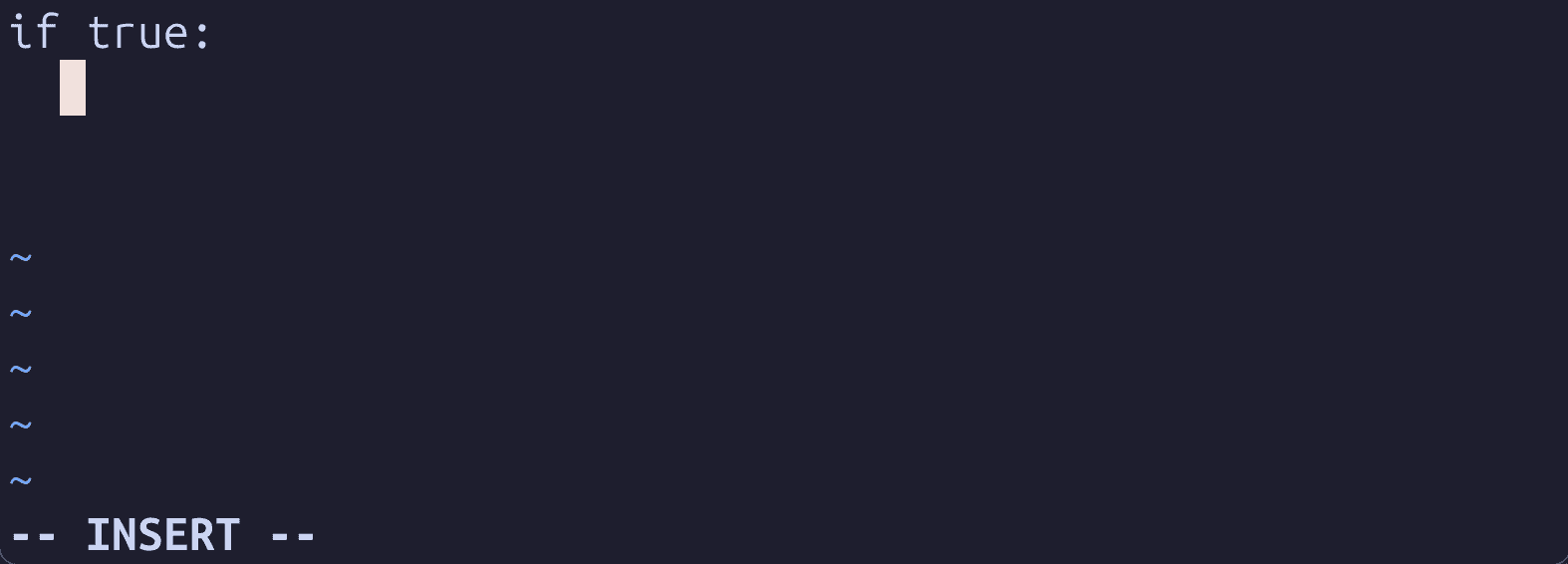
Vim ships with filetype plugins for a bunch of languages. They are not turned on by default. If this is turned on and the filetype is properly detected (or set manually), vim options like indentexpr will be set to functions defined by the plugins. This will add automatic indenting to the current buffer. A common one being indenting one level for lines that come after if-statements. Exhibit A: